DENTAL CAD DESIGN
MONDAYS & THURSDAYS
6 PM BST
LIVE ONLINE COURSE ON DENTAL CAD DESIGN
14 MAY 2026 - 16 JUL 2026
DURATION:
9 WEEKS
MONDAYS & THURSDAYS
6 PM BST
Turn clinical prescriptions into precision digital restorations — real cases, real files, real-world skills.
Bridge the gap between software and the chair: create crowns, bridges, and custom implants, guided by Ahmad Khamis, an experienced CAD/CAM Dental Technician.
WHO THIS COURSE IS FOR
-
YOU ARE A JUNIOR DENTAL TECHNICIAN OR EARLY-CAREER DENTIST
You’ve got the foundation, now turn it into workflow confidence. We’ll give you hands-on experience designing common restorations, interpreting prescriptions clearly, and understanding lab limitations. You’ll finish with a practical portfolio that demonstrates your skills and shows you can navigate digital workflows with precision.
-
YOU ARE A CAD/CAM DENTAL TECHNICIAN LOOKING TO LEVEL UP
Frustrated with limited cases or inconsistent aesthetics? This dental design course takes you beyond crowns and bridges into veneers, splints, and implant-supported designs. Learn advanced occlusion and aesthetic decisions, speed up your workflow, and produce polished, employer-ready work that stands out in any lab.
-
YOU ARE A SENIOR CAD DESIGNER OR LAB MANAGER
Scaling digital workflows without compromising quality can feel impossible. Here, you’ll refine AI-assisted designs, master complex implants and full-arch cases, and develop leadership strategies to train your team. Build systems and processes that ensure predictably excellent results even as projects get bigger and more complex.
Design the smile & streamline the lab.
Learn every step of digital restorative workflows. Get hands-on with CAD/CAM design, AI-supported mock-ups, 3D printing, and cloud collaboration — everything it takes to deliver precise, high-impact dental restorations efficiently.
Clinical skill meets digital mastery.
Your lab expertise meets next-level digital workflows through practical assignments, real-world case studies, and LIVE feedback from an expert who brings over a decade of experience in CAD/CAM dental technology.
This course covers every angle of digital restorative design. You’ll define design parameters, build cloud workflows, and propose digital adoption strategies — all under the guidance from a seasoned dental technician.
Get practical with live workshops, in-depth demos, and industry case studies that show how modern labs operate. Learn anatomy libraries, wax-ups, custom abutments, scan cleaning, and AI-assisted smile simulation with real-time feedback.
Your Digital Restorative Case Portfolio is your professional calling card. Complete a full set of restorations — crowns, bridges, veneers, splints, custom abutments — fully documented with STL/PLY files, workflow screenshots, QA annotations, and a PDF explaining your design decisions.
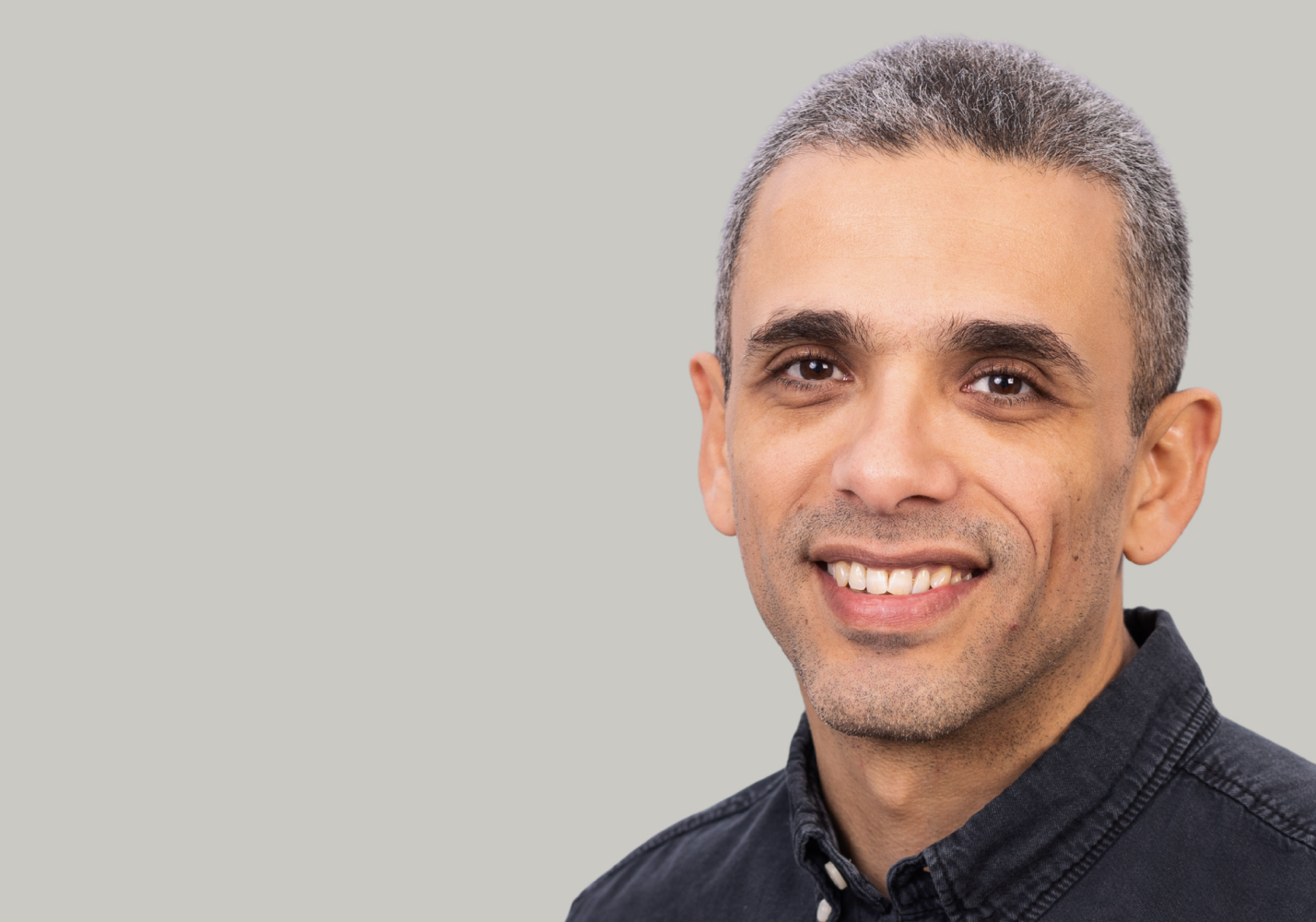
Ahmad Khamis
LinkedIn Profile- Specialises in digital dentistry, combining CAD/CAM workflows with 10+ years of hands-on laboratory experience
- Holds a BTech in Dental Technology from The Sheffield College, backed by a strong foundation in computer science
- Bridges complex software systems with high-precision clinical outcomes through advanced digital workflows
- Delivers high-accuracy restorations, including crowns and bridges, custom copings, and full-arch rehabilitations
- Collaborates closely with clinicians to refine implant systems, streamline digital processes, and optimise restorative results

Meet your instructor, explore the course structure, and get an overview of assignments and the final project. Set yourself up for success by understanding what to expect and how to make the most of the course.
- Meet your instructor
- Course structure & learning objectives
- Assignments & final project overview
Discover the essentials of digital dentistry and how it transforms restorative workflows. Review dental anatomy relevant to CAD/CAM, key terminology, and compare analogue vs. digital approaches through a practical case study.
- Dental anatomy for CAD/CAM design
- Key terminology
- Analogue to digital: Benefits & limitations
- Digital workflow
- Case study: Analogue vs. digital workflow
Get an overview of leading CAD/CAM software and digital ecosystems. Learn platform differences, accessibility options, and how to choose the right tools for your cases.
- 3Shape, ExoCad, CoDiagnostiX
- Licensing, demo versions, & accessibility options
- Workflows across platforms
- Choosing a suitable case
Dive into the core of CAD/CAM software. Learn to navigate interfaces, set up new cases, and explore key design tools. Follow along with a demo to see practical applications in action.
- Software interface
- Setting up a new case/project
- Instruments and design modules
- Saving, exporting, & managing project files
- Demo: Working with basic forms: anatomy libraries, wax-up templates, freeform tools
Master the capture and preparation of digital scans. Understand scanner types, file interoperability, and common scanning errors. See how to import, clean, and prepare scan data for design.
- Intraoral vs. lab scanners
- File types & interoperability
- Common errors in scanning
- In-Tool Demo: Importing and cleaning intraoral scans
Learn step-by-step workflows for designing crowns and veneers, focusing on morphology, aesthetics, and material considerations. Apply your knowledge in a practical workshop.
- Posterior crown design
- Veneer morphology & aesthetic
- Material-driven design
- AI-supported margin detection
- Workshop: Analysing a fictional case and defining design parameters
Assignment #1: Design one of each restoration
Explore digital strategies for multi-unit restorations. Learn pontic and connector design while balancing aesthetics and function. Follow a demo to see a 3-unit bridge created in software.
- 3-unit bridges design
- Pontic design, connectors, & load distribution
- Functionality vs. aesthetics
- In-Tool Demo: Designing a 3-unit bridge in CAD software
Understand digital workflows for implant restorations and guided surgery. Learn abutment design, emergence profiles, full-arch planning, and effective lab-surgeon communication through a case study.
- Custom abutment design workflows
- Emergence profile & implant libraries
- Full-arch All-on-X workflows
- Surgeon–lab communication
- Case study: Guided surgery planning
Assignment #2: Design wax up, custom abutment, 1 full arch surgical guide
Learn the purpose and process of digital wax-ups and AI-assisted smile design. Align functional and aesthetic outcomes, with a live demo demonstrating a complete digital wax-up.
- Diagnostic wax-ups in treatment planning
- AI-based smile design
- Functional and aesthetic outcomes
- In-Tool Demo: Creating a digital wax-up with AI smile simulation
Focus on occlusion, material selection, and digital workflows for splints and nightguards. Learn practical fabrication and delivery considerations.
- Occlusal considerations
- Material choices for splints/nightguards
- Step-by-step digital workflow
- Practical issues in fabrication and delivery
Assignment #3: Design a splint
Understand how material properties influence your designs. Learn to adjust parameters for different ceramics and post-processing protocols for optimal results.
- Zirconia, lithium disilicate, hybrid ceramics
- Minimum thickness, translucency, wear
- Adjusting design parameters
- Post-processing and finishing protocols
Explore digital manufacturing with milling strategies. Learn nesting, toolpath generation, and sintering workflows. Examine a case study to optimise lab productivity.
- Nesting for crowns, bridges, & splints
- Toolpath generation & common errors
- Sintering workflows for zirconia
- Case study: Lab productivity optimisation
Discover 3D printing in dentistry. Learn printing strategies, support structures, curing, and finishing. Follow a demo preparing a splint for additive manufacturing.
- 3D printing technologies
- Printing strategies: Temporary restorations & guides
- Support structures, curing, & finishing
- In-Tool Demo: Preparing a splint for 3D printing with nesting software
Assignment #4: Nest a restoration for milling and a model for printing
Learn to verify digital designs and maintain quality. Understand fit simulation, industry standards, and develop a QA checklist for your work.
- Fit simulation & verification
- ISO/EN standards in digital dentistry
- QA checklist for submitted designs
Master cloud-based collaboration and secure communication with clinicians and labs. Apply knowledge in a workshop designing a multidisciplinary cloud workflow.
- Remote sharing of digital cases
- HIPAA/GDPR compliance & patient confidentiality
- Multi-disciplinary collaboration
- Workshop: Designing a cloud workflow for a complex case
Assignment #5: Design a QA checklist for Technicians and QA manager
Assignment #6: Digital Restorative Case Portfolio
Learn to organise, store, and manage your digital cases efficiently. Develop version control strategies, build reusable libraries, and discover practical tips to scale digital workflows in labs and clinics.
- Setting up case libraries & archives
- Version control strategies
- Efficiency in repeatable workflows
- Practical tips for scaling digital operations
Stay ahead with the latest developments in dental CAD/CAM technology. Explore AI-driven design automation, new intraoral scanner integrations, and adoption challenges in clinical and lab settings.
- AI-driven design suggestions & automation
- Intraoral scanner integration updates
- Adoption challenges in labs and clinics
Understand the financial and operational benefits of CAD/CAM adoption. Evaluate ROI, cost considerations, and service positioning, then apply your insights in a practical workshop.
- ROI for dentists and labs
- Positioning services
- Cost considerations
- Workshop: Designing a digital adoption strategy for a lab or clinic
Prepare to take your skills into the professional world. Explore career pathways, understand market trends, and learn how to build a compelling digital design portfolio. Discover ways to network and engage with the wider dental design community.
- Career pathways & roles
- Job market & industry trends
- Digital design portfolio
- Associations, events, & online communities
What our students say
MARKETING DIRECTOR
"It was such a great experience, well worth the course fee which I invested personally - I've learnt so much and feel much more confident in my role.."
"The course at ELVTR was a great investment in my career. The materials are top-notch, and the instructors provided excellent support."

"The knowledge. The teacher is very experienced. He is able to answer our questions in depth, and takes the time to do so."

"The course was very helpful in helping me expand my design toolkits by gaining a wealth of new knowledge and inside expertise to stay at the forefront in an age of rapidly developing technological and software advancements."

Fill in the form to start your ELVTR journey.
We will contact you to clarify all the details.